
Web components
Neural UI Core
Build Angular interfaces with components and themes you can adapt to your product.

Icon library / catalog explorer
Use the SVG files directly in plain HTML. No framework, JavaScript, or Neural UI is required.
All 268 icon families are available here. Download the SVG you need; plain HTML does not require an npm package.
Works in any HTML page; no framework or JavaScript is required.
No package is needed. Download search.svg and place it at /icons/search.svg in your site’s public files, or update the example path.
/icons/search.svgReference the copied file with <img>. For CSS color, insert the SVG inline instead of using <img>.
<img src="/icons/search.svg" alt="Search" width="24" height="24">With plain HTML, the browser downloads only the SVG files you reference, not the full icon catalog.
Download search-filled.svg and update the image path for the filled variant. Set width and height on <img> to change its size.
For <img>, use an empty alt for decoration or meaningful alt text for information. An informative inline SVG needs role="img" and aria-label without aria-hidden. Name icon-only buttons on the button.
<img src="/icons/search.svg" alt="">
<img src="/icons/search.svg" alt="Search">

<svg
  class="brand-icon"
  xmlns="http://www.w3.org/2000/svg"
  width="24" height="24" viewBox="0 0 24 24"
  fill="none" stroke="currentColor"
  stroke-width="1.75" stroke-linecap="round" stroke-linejoin="round"
  fill-rule="evenodd" clip-rule="evenodd" role="img" aria-label="Search"
>
  <path d="M10.75 3.5a7.25 7.25 0 1 0 0 14.5 7.25 7.25 0 1 0 0-14.5M16.1 16.1l4.4 4.4" />
</svg>

<button type="button" aria-label="Search">
  <img src="/icons/search.svg" alt="">
</button>268 icon families, outline and filled. MIT licensed for public and commercial use. Granular imports keep ordinary applications free of the full catalog; Neural UI is not required.
Core, Angular, React, and Vue 1.2.0 are published on npm under the latest tag with 268 families.
Neural Icons SVGs use currentColor. An inline SVG inherits the CSS color of the icon or a parent element. Any valid CSS color works, including hex, RGB, names, and design tokens.
<svg
  class="brand-icon"
  xmlns="http://www.w3.org/2000/svg"
  width="24" height="24" viewBox="0 0 24 24"
  fill="none" stroke="currentColor"
  stroke-width="1.75" stroke-linecap="round" stroke-linejoin="round"
  fill-rule="evenodd" clip-rule="evenodd" aria-hidden="true"
>
  <path d="M10.75 3.5a7.25 7.25 0 1 0 0 14.5 7.25 7.25 0 1 0 0-14.5M16.1 16.1l4.4 4.4" />
</svg>

<style>
  .brand-icon { color: #8b5cf6; }
</style>
The detail-panel swatches are examples, not a fixed palette. An SVG shown with <img> does not inherit CSS color from the page; use inline SVG to style its color.
Neural Icons is part of a family of tools for building interfaces. You can use the icons on their own.
Web components
Build Angular interfaces with components and themes you can adapt to your product.
Icon library
Browse SVG icons for your web interfaces and native applications.
Mobile components
Build native interfaces for iOS and Android with Angular Native.
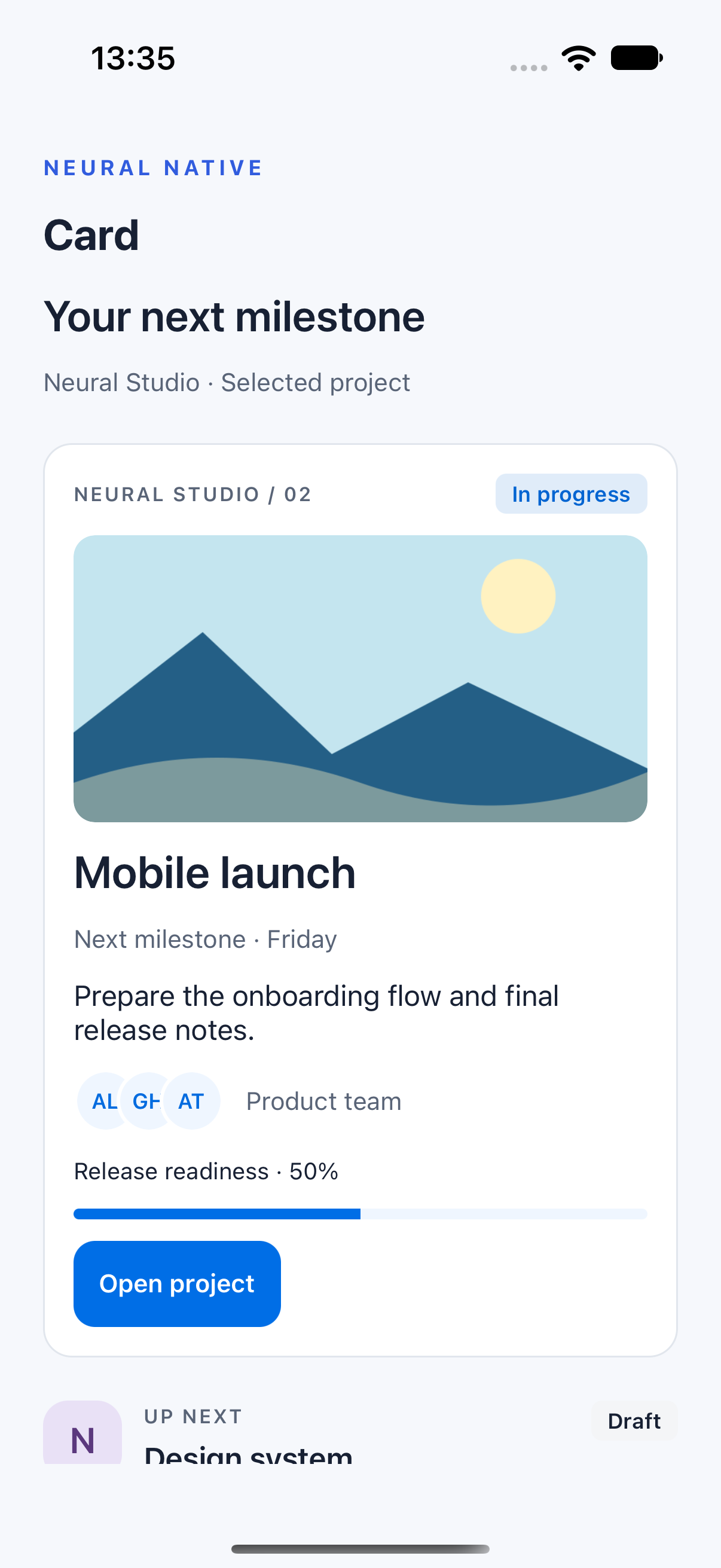
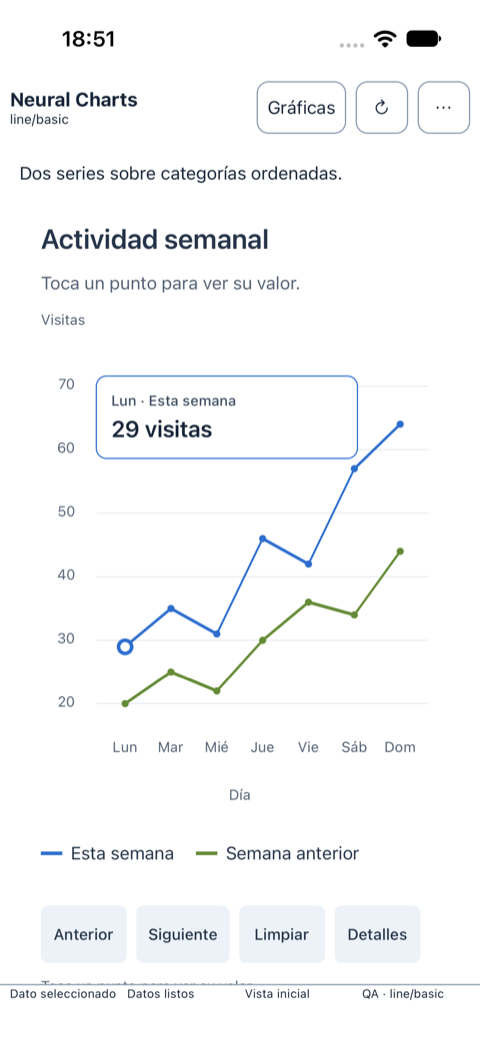
Native charts
Add interactive data visualizations to Angular Native apps.
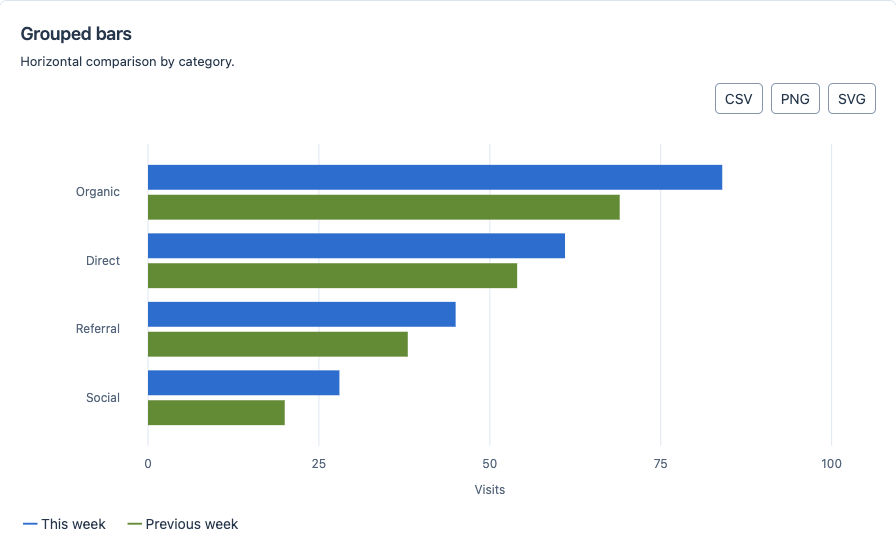
Web charts
Build interactive charts with JavaScript, TypeScript or Angular.
Skills and MCP
Give your coding agent verified references for Neural’s public APIs.
get_apiNeuButtonComponent(neuClick)(pressed)